





































With countless real estate apps on the market today, it’s hard to know which ones are actually worth your time (and phone storage!). So, I did the homework for you! I researched, tested, and narrowed it down to the 12 best apps for real estate agents; these apps will help you stay organized, market more efficiently, and close more deals.
| My top picks | Best for | Starting Price |
|---|---|---|
| Follow Up Boss | Lead follow-up | $58 a month |
| CINC | Lead generation | Contact for pricing |
| Curb Hero | Open houses | Free |
| Zillow Premier Agent | Buyer leads | Varies by market |
| RPR Mobile Agent | Property research | Free for National Association of REALTORS (NAR) members |
| Forewarn | Agent safety | $20 a month |
| Dotloop | Transaction management | $34.99 a month |
| Canva | Marketing content | Free |
| BombBomb | Video messaging | $36 a month |
| LoopNet | LoopNet | Free |
| Notion | Organization | Free |
| Pivo Tour | DIY listing videos | $199.99 annually (requires a Pivo device) |
Why you can trust The Close
At The Close, our recommendations are built for real estate professionals who need practical, unbiased guidance before investing time or money into new tools. As a real estate agent, I understand that an app has to do more than look good in a demo. It needs to work when you are between showings, preparing for an open house, responding to a hot lead, or trying to keep a transaction moving from your phone.
For this guide, I combined firsthand real estate experience with provider research, feature comparisons, pricing review, and agent-focused evaluation criteria. My goal is to help agents choose real estate apps that actually support their workflow, save time, and help them serve clients better.
Sophia Doyle
Staff Writer-The Close
The Close’s top picks for best real estate apps
| Our top picks | Who it's best for | Standout features | My top picks |
|---|---|---|---|
| Follow Up Boss |
|
| |
| CINC |
|
| |
| Curb Hero |
|
| |
| Zillow Premier Agent |
|
| |
| RPR Mobile |
|
| |
| Forewarn |
|
| |
| Dotloop |
|
| |
| Canva |
|
| |
| BombBomb |
|
| |
| LoopNet |
|
| |
| Notion |
|
| |
| Pivo Tour |
|
|
1. Follow Up Boss
 Best for: Lead follow-up
 Cost: Starting at $58 a month
 Favorite feature: Mobile lead activity and follow-up reminders.
 Available on:


| Pros | Cons |
|---|---|
|
|
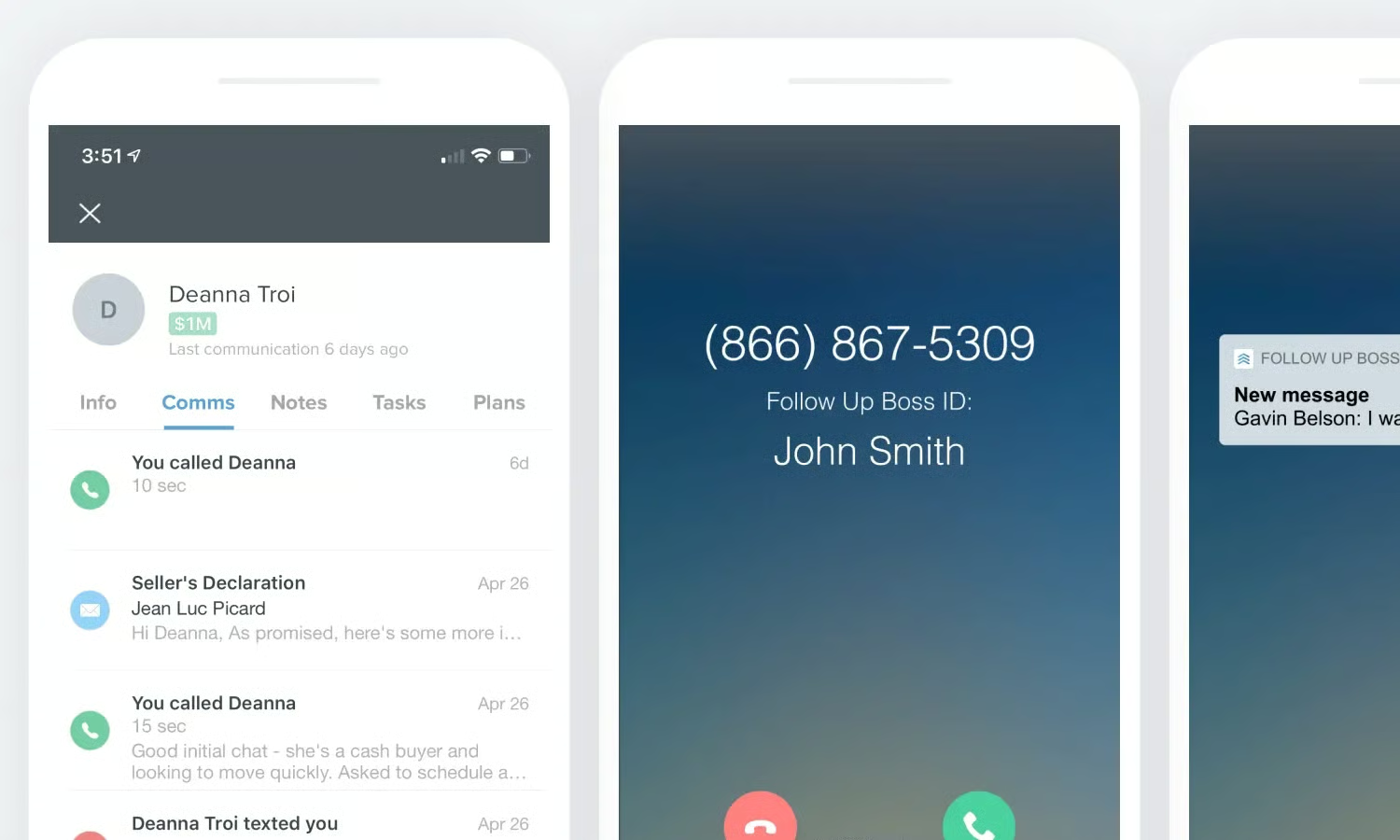
Follow Up Boss is my top pick because lead follow-up is where many agents lose the most business. I’ve personally used Follow Up Boss in my real estate career to stay on top of clients, organize conversations, and keep my pipeline from getting messy. I especially liked using the in-app dialing and texting features because they made it easier to contact clients quickly while keeping my communication records clear and organized.
This app is especially useful for agents managing leads from multiple sources. Instead of trying to remember who texted and who needs another follow-up, Follow Up Boss helps keep everything in one place. For busy agents, that matters because follow-up often happens between showings, after open houses, and on the go.
2. CINC
- Best for: IDX website
- Cost: $899, including leads
- Favorite feature: The mobile app’s smart lead scoring
- Available on:
| Pros | Cons |
|---|---|
|
|
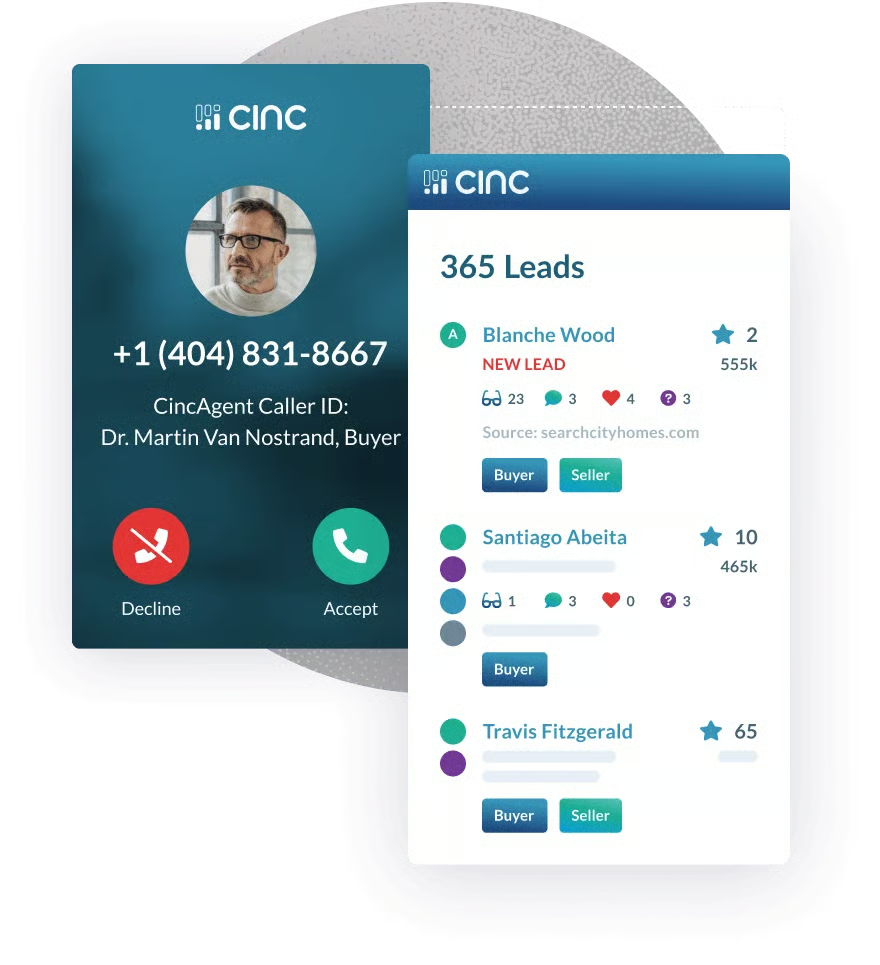
CINC is one of the strongest real estate apps for teams and brokerages that want lead generation, CRM tools, IDX websites, routing, and follow-up support in one system. It is more robust than a simple mobile app, but the mobile experience remains important because agents need to respond to leads quickly, wherever they are.
CINC is best for agents and teams that already have the budget and systems to work a higher volume of online leads. If you are a solo agent just starting out, it may be more than you need. But for teams that want paid lead generation, lead routing, and mobile pipeline visibility, CINC can be a strong option.
3. Curb Hero
- Best for: Open houses
- Cost: Free
- Favorite feature: QR-code open house sign-in
- Available on:
| Pros | Cons |
|---|---|
|
|
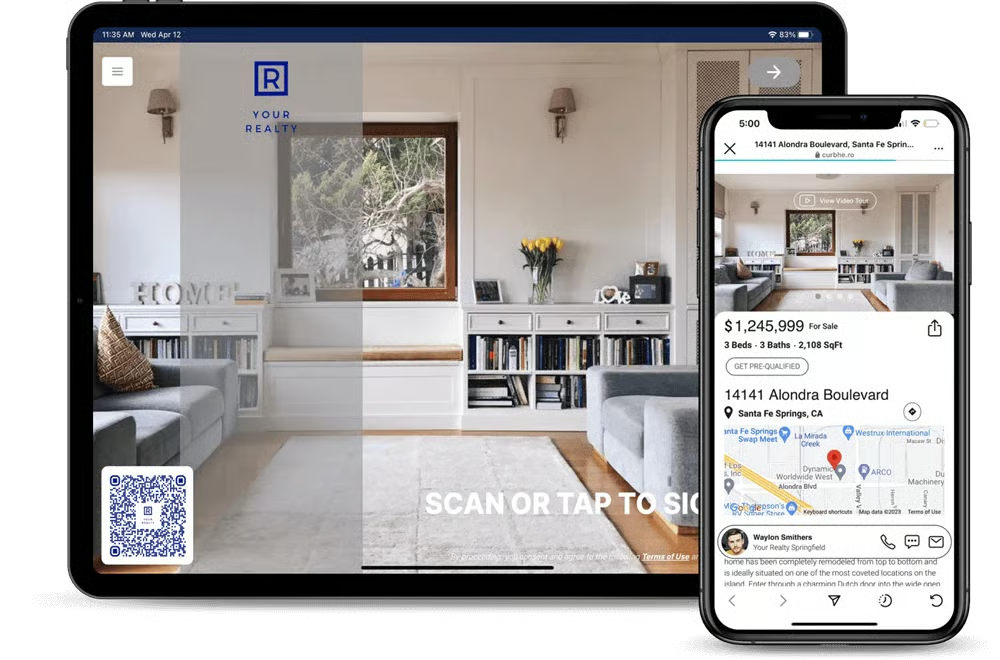
Curb Hero is one of The Close’s best open house apps because it solves a very specific agent problem: capturing open house leads. Instead of using a paper sign-in sheet, agents can create branded digital sign-in forms, collect visitor information, use QR codes, and send leads directly into their CRM.
For new agents, Curb Hero can be especially helpful because open houses are one of the best ways to meet buyers and build a database. For listing agents, it also makes your open house feel more polished and gives you better data to share with sellers after the event.
4. Zillow Premier Agent
- Best for: Buyer leads
- Cost: Varies by market
- Favorite feature: Live buyer connections and tour requests
- Available on:
| Pros | Cons |
|---|---|
|
|
I was a Zillow Premier Agent, and connecting with live clients through the platform was a great way to build my clientele. Buyers were already searching on Zillow, and when they reached out with a question or a tour request, it created an immediate opportunity to start a real conversation. For agents focused on buyer representation, that type of direct connection can be incredibly valuable.
The key with Zillow Premier Agent is speed. These buyers are often actively looking, comparing homes, and ready to schedule showings. I found that responding quickly was essential because another agent could easily get the conversation started if I waited too long. For agents who are available, responsive, and consistent in follow-up, Zillow Premier Agent can be a strong lead source.
5. RPR Mobile
- Best for: Property research
- Cost: Free for NAR members
- Favorite feature: Property reports and market data on the go
- Available on:
| Pros | Cons |
|---|---|
|
|
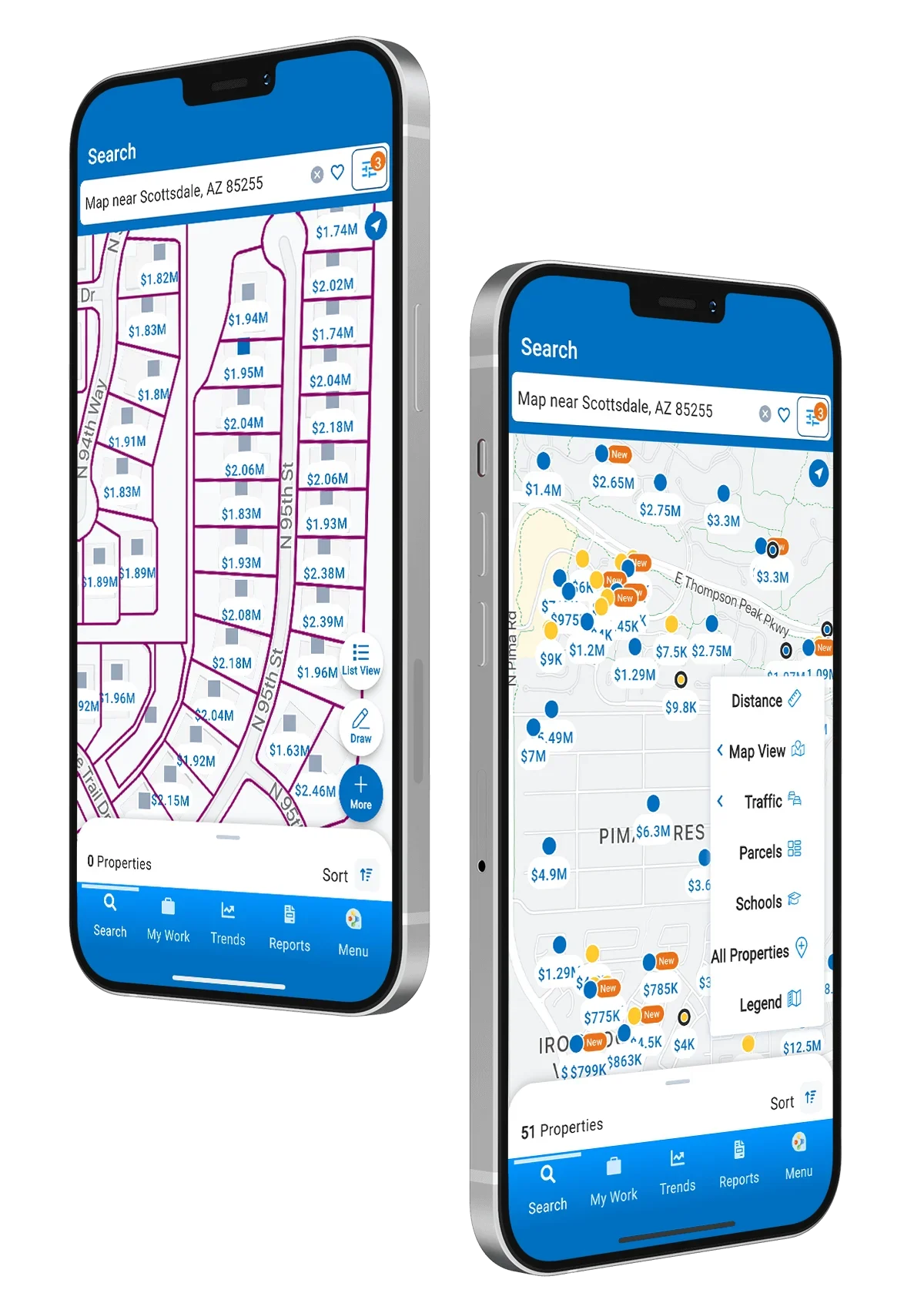
RPR Mobile is one of the best real estate apps for agents who want property data, market insights, and reports from their phone. Whether you are walking into a listing appointment, showing a buyer around a neighborhood, or checking property details on the fly, RPR Mobile gives you access to information that can support smarter client conversations.
I especially like RPR Mobile because it can help agents look more prepared in the moment. Instead of telling a client you will check later, you can pull property facts, neighborhood data, tax information, and reports while you are already in the field.
6. Forewarn
- Best for: Agent safety
- Cost: Starts at $20 per month
- Favorite feature: Identity verification before appointments
- Available on:
| Pros | Cons |
|---|---|
|
|
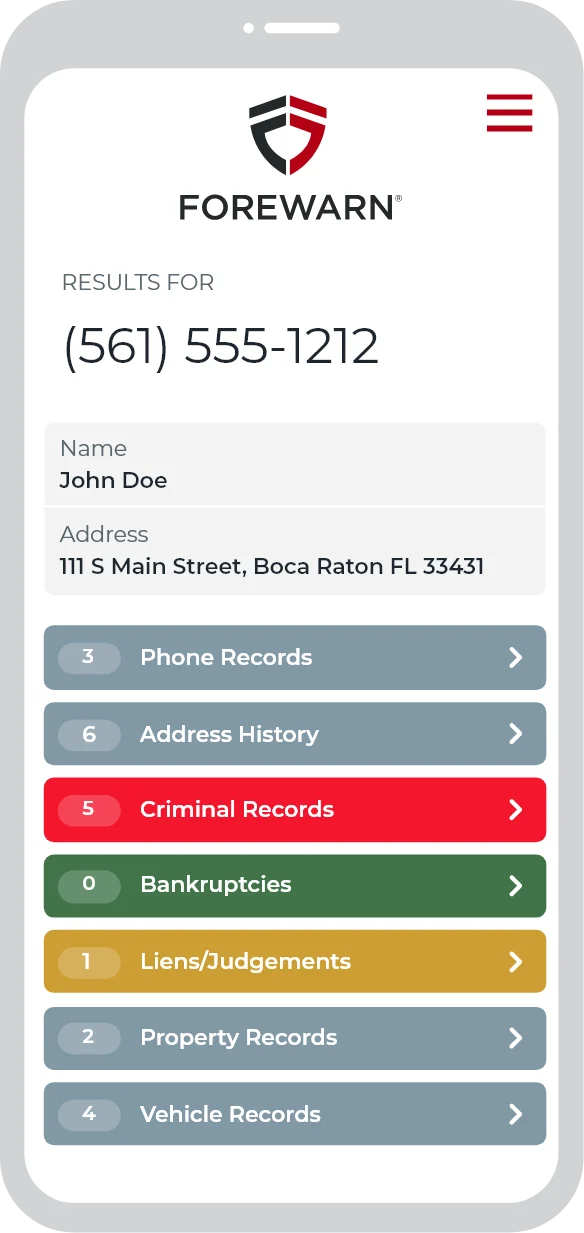
Forewarn is one of the most practical real estate apps for agent safety. Before meeting a new buyer, seller, tenant, or unknown prospect, agents can use Forewarn to verify available background information and feel more informed before an appointment.
This is especially useful for private showings, vacant listings, listing appointments, and situations where you are meeting someone for the first time. No app can guarantee safety, but Forewarn can be one part of a smarter safety routine.
7. Dotloop
- Best for: Transaction management
- Cost: Starts at $34.99
- Favorite feature: Mobile document management and e-signatures
- Available on:
| Pros | Cons |
|---|---|
|
|
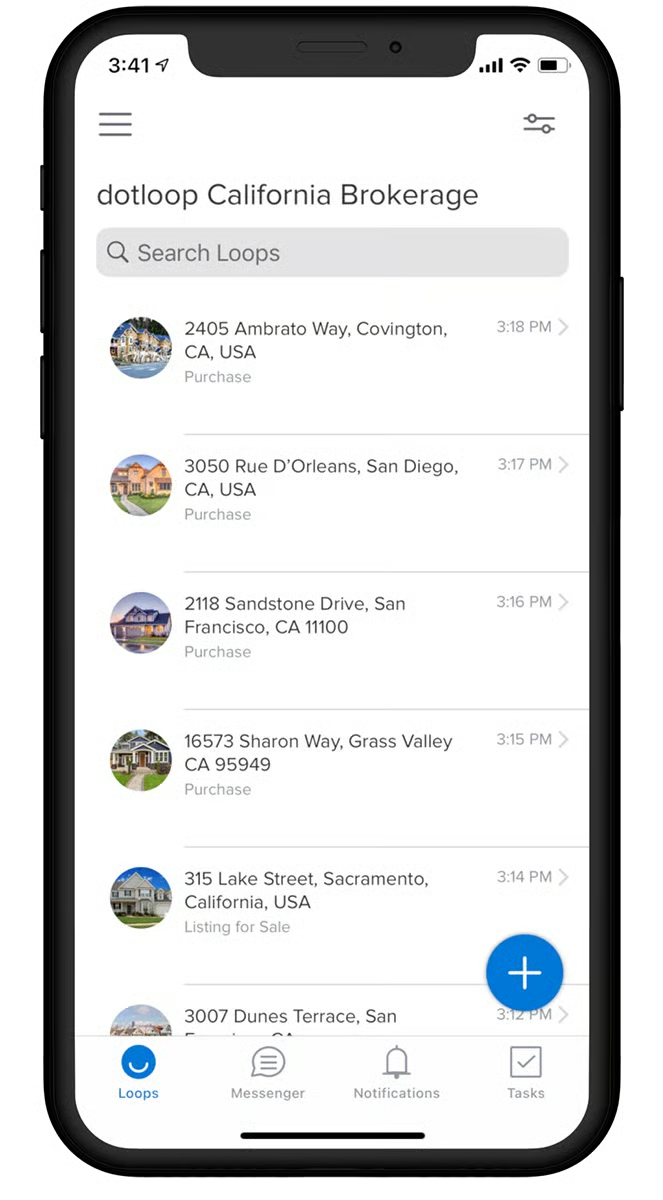
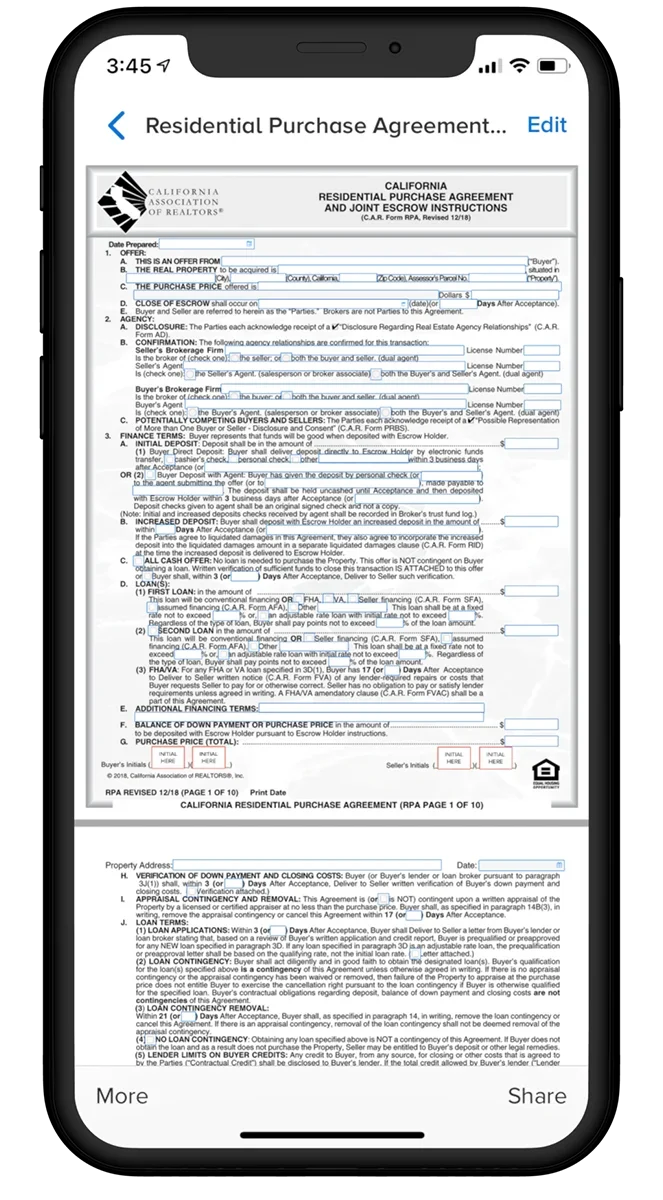
I’ve used Dotloop in my real estate career to manage transactions, send documents for e-signature, and keep paperwork organized throughout a deal. When you are working with clients, attorneys, lenders, and other agents, having transaction documents in one place makes it much easier to stay on top of what has been signed and what still needs attention.
Dotloop is especially helpful when you need to move quickly. Instead of waiting until you are back at a computer, you can review documents, send forms, and keep a transaction moving from your phone. For busy agents managing multiple clients, that kind of mobile access can save a lot of back-and-forth.
Manage transactions and modify real estate contracts anytime
8. Canva
- Best for: Marketing content
- Cost: Free
- Favorite feature: Listing and social media templates
- Available on:
| Pros | Cons |
|---|---|
|
|
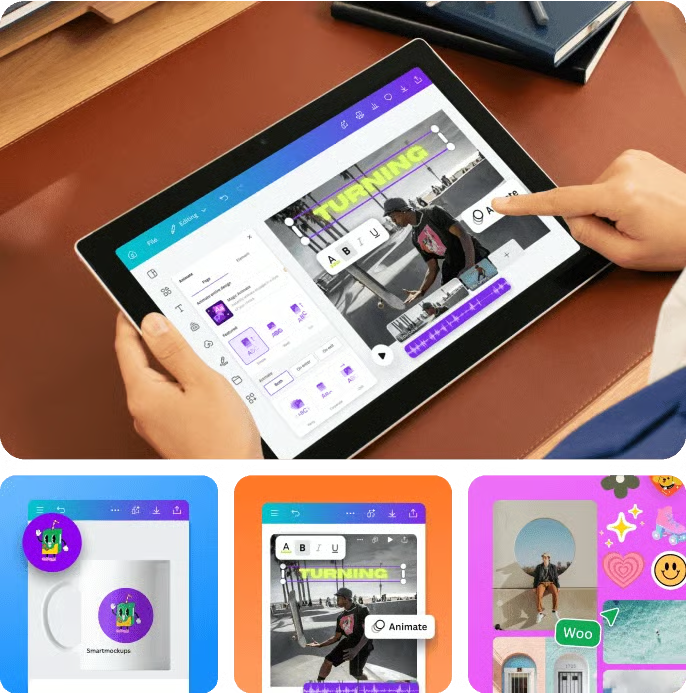
Canva is one of the real estate apps I personally use for marketing, especially for social media graphics. Whether I needed a quick listing graphic, a market update, an open house post, or a branded social media design, Canva made it easy to create something polished without needing professional design skills.
For agents, Canva is useful because marketing happens constantly. You need graphics for listings, stories, reels, presentations, buyer guides, seller resources, and neighborhood content. Canva makes it easier to create consistent marketing from your phone, which is especially helpful when you need to post quickly or make a last-minute update.
9. BombBomb
- Best for: Video messaging
- Cost: $36 a month
- Favorite feature: Personalized video follow-up
- Available on:
| Pros | Cons |
|---|---|
|
|
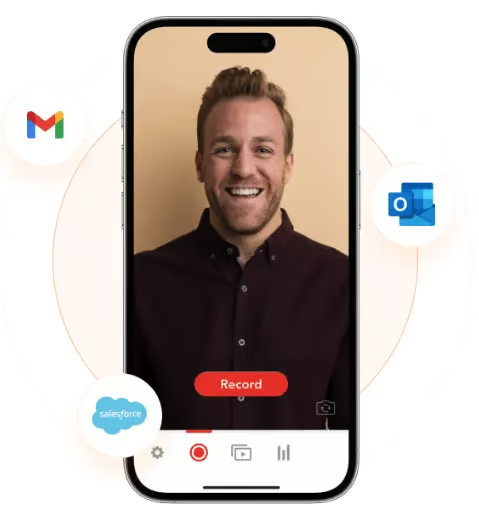
I’ve used BombBomb to send video messages to clients. After the initial conversation with a new client, I would often then send a BombBomb video recapping what we discussed. Sending a quick follow-up video helped me build rapport, put a face to the name, and make the conversation feel more personal than a standard text or email.
BombBomb is especially useful for agents who want to stand out in their follow-up. You can use it for new leads, past clients, birthdays, listing updates, buyer check-ins, and post-showing follow-ups. It does require getting comfortable on camera, but the videos do not need to be highly produced. A short, personal message is often what makes it effective.
10. LoopNet
- Best for: Commercial real estate
- Cost: Free
- Favorite feature: Map-based search feature
- Available on:
| Pros | Cons |
|---|---|
|
|
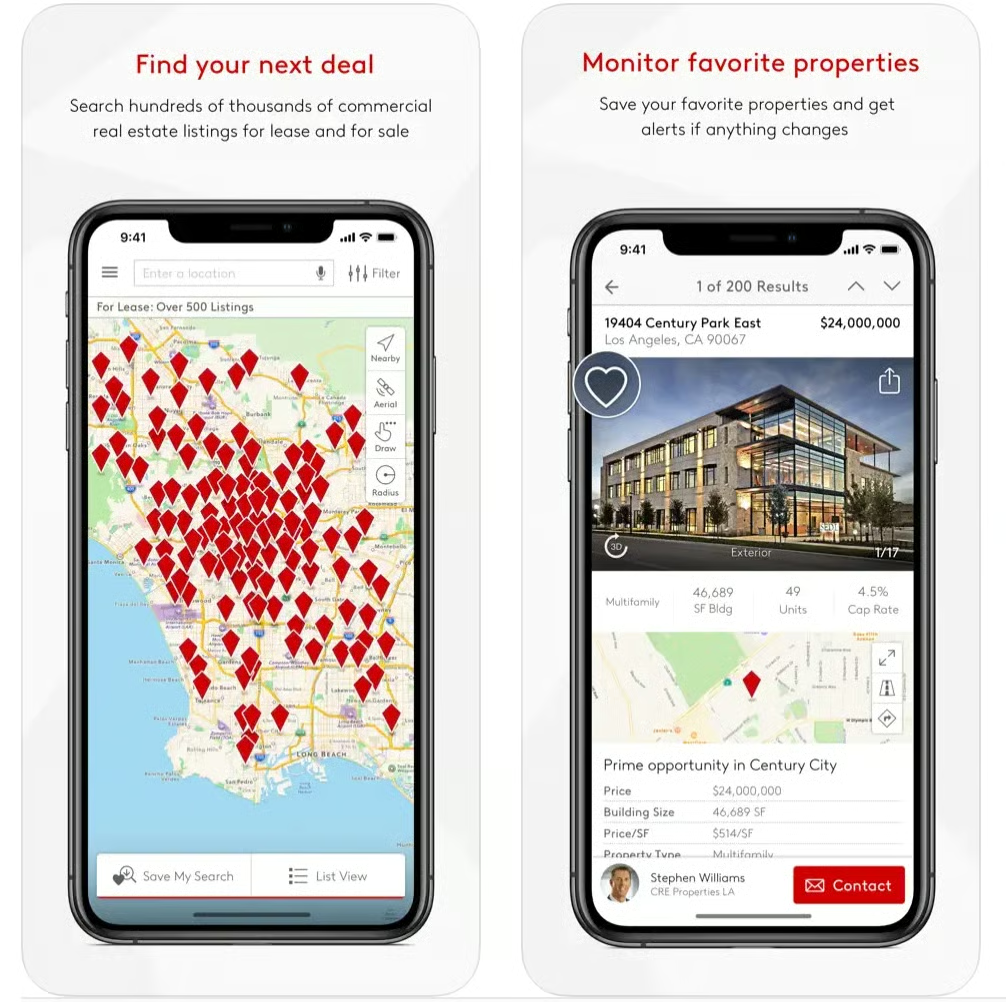
I’ve used LoopNet to research commercial properties for clients, and it is one of the most useful apps if you work with investors, business owners, or pursue commercial real estate opportunities. It gives agents access to commercial listings across property types like office, retail, industrial, land, and multifamily.
LoopNet is not something every residential agent will use every day, but it is valuable when a client asks about investment or commercial opportunities. Having the app makes it easier to search properties, review listing details, and understand what is available in a market without needing to start from scratch on a desktop.
11. Notion
- Best for: Organization
- Cost: Free
- Favorite feature: Custom workspaces and databases
- Available on:
| Pros | Cons |
|---|---|
|
|
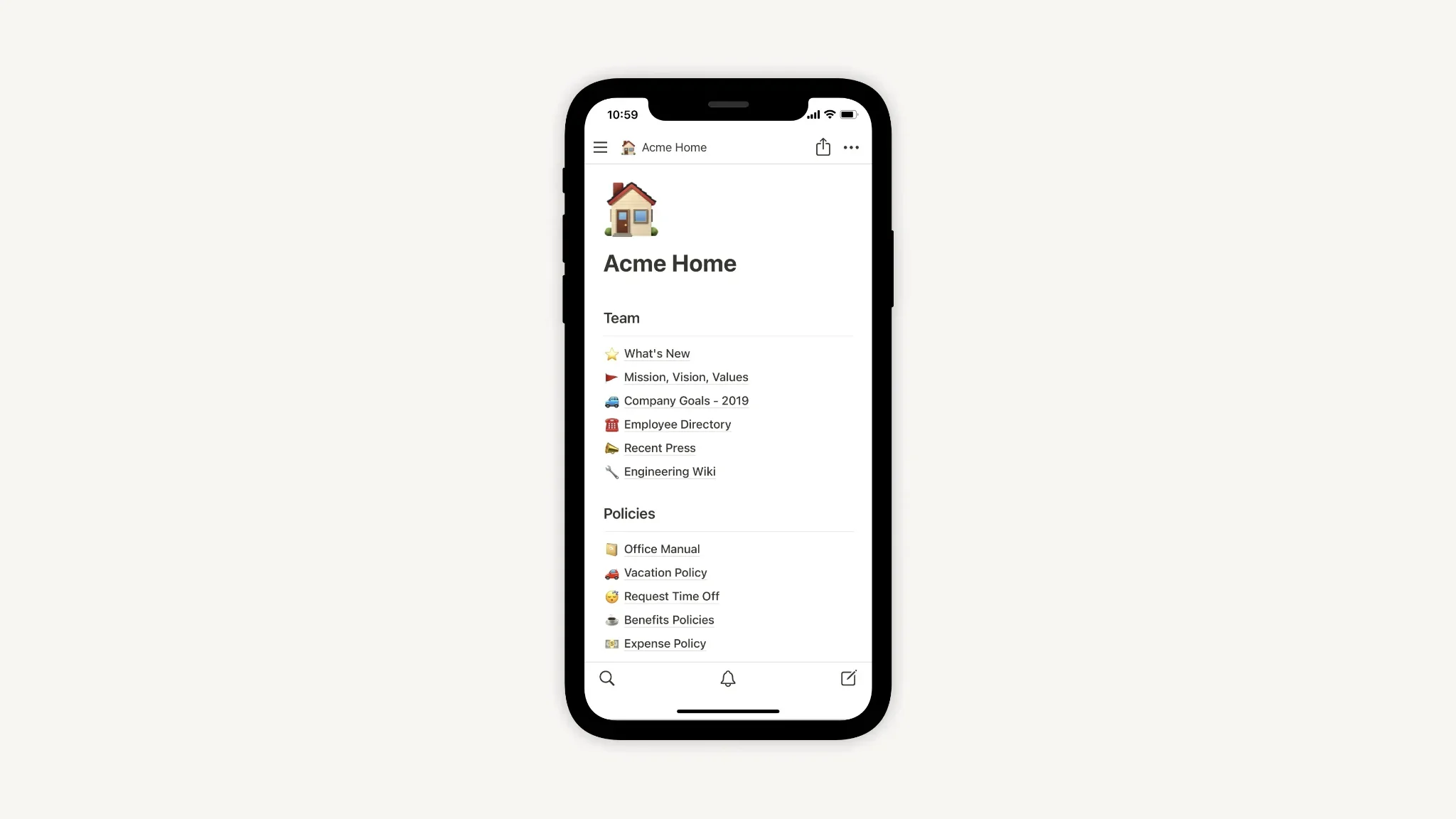
Notion is not built specifically for real estate, but it can be extremely useful for agents who want to organize their business in one place. You can use it for transaction checklists, content calendars, client notes, listing prep, buyer timelines, vendor lists, goal tracking, and team resources.
The best thing about Notion is its flexibility. The challenge is also flexibility. It can become overwhelming if you try to build too much. I’d recommend starting with one or two workflows, such as a weekly task board or a listing checklist, before turning it into your entire business hub.
12. Pivo Tour
- Best for: DIY listing videos
- Cost: $199.99 annually (requires a Pivo device)
- Favorite feature: Motion-tracking video capture
- Available on:
| Pros | Cons |
|---|---|
|
|
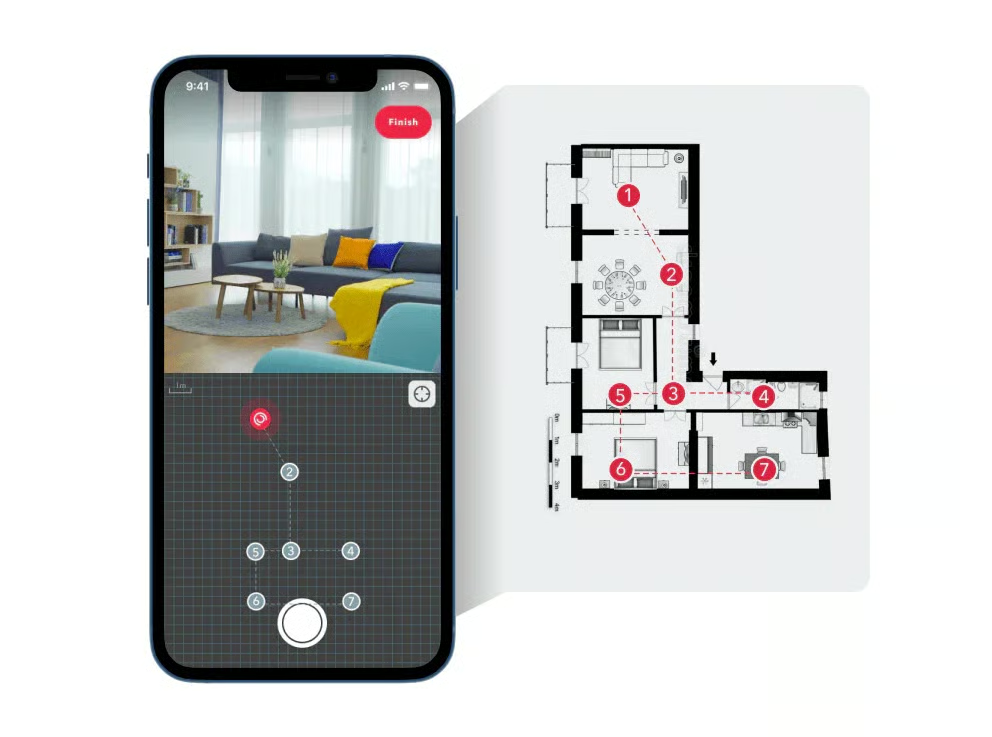
Pivo Tour is a useful app for agents who want to create more listing video content without having to hire a videographer every time. The app works with a Pivo device to help capture property videos, walkthroughs, and tour content.
This is not the right choice for every agent, especially if you already use professional photography and video for every listing. But for agents who want a lower-cost way to create more visual listing content, Pivo Tour can be a helpful tool.
Methodology
My top picks were based on the following criteria:
- Functionality: A realtor mobile app must address agents’ practical challenges and streamline workflows rather than add unnecessary tasks. It should enhance efficiency and make daily operations easier.
- Pricing: The app’s cost should align with the value it provides. A strong return on investment (ROI) is key, whether through improved efficiency, lead gen, or enhanced agent productivity.
- Ease of use: Realtor apps should be intuitive and easily integrated into a busy workday. Having a minimal learning curve, a user-friendly interface, and straightforward navigation are essential.
- Feedback and verified reviews: Widespread adoption and positive agent feedback indicate reliability. Growth in user adoption and positive customer reviews adds credibility.
- Stability: The best real estate apps for realtors should run smoothly with limited interruptions, crashes, or technical issues, ensuring a seamless experience.
Our team regularly reviews and edits the articles on our site to ensure we provide you with the most up-to-date information. We take pride in our independent editorial review process. Read more about our methodology here.
Frequently Asked Questions (FAQs)
Are free real estate apps worth using?
Free real estate apps can be worth using if they solve a clear problem and do not create extra manual work. Some free apps are excellent for open houses, property research, organization, or design. However, agents should still evaluate whether the free version has enough features or if important tools are locked behind a paid plan.
Can real estate apps replace a CRM?
Most real estate apps cannot fully replace a CRM unless they are specifically built for lead and client management. Apps for open houses, marketing, safety, transactions, or property research may support your workflow, but they usually should connect back to a central CRM where client history and follow-up live.
Are real estate apps secure?
Security varies by app, so agents should review privacy settings, login protection, data access, and how client information is stored. Since agents often handle personal client details, financial documents, and transaction information, it is important to use reputable apps and avoid storing sensitive information in tools not designed for it.
Your take
The best real estate apps are not always the flashiest or most expensive. They are the tools that help them do their jobs better in the moments that matter: responding to leads, hosting open houses, preparing for appointments, creating marketing, managing documents, and staying safe in the field.
For most agents, the right approach is to build a simple app stack rather than relying on a single tool to do everything. Choose one app for lead follow-up, one for open houses, one for transactions, one for marketing, one for safety, and one for research. That will give you more practical support without overloading your phone or your workflow.
Related Articles